
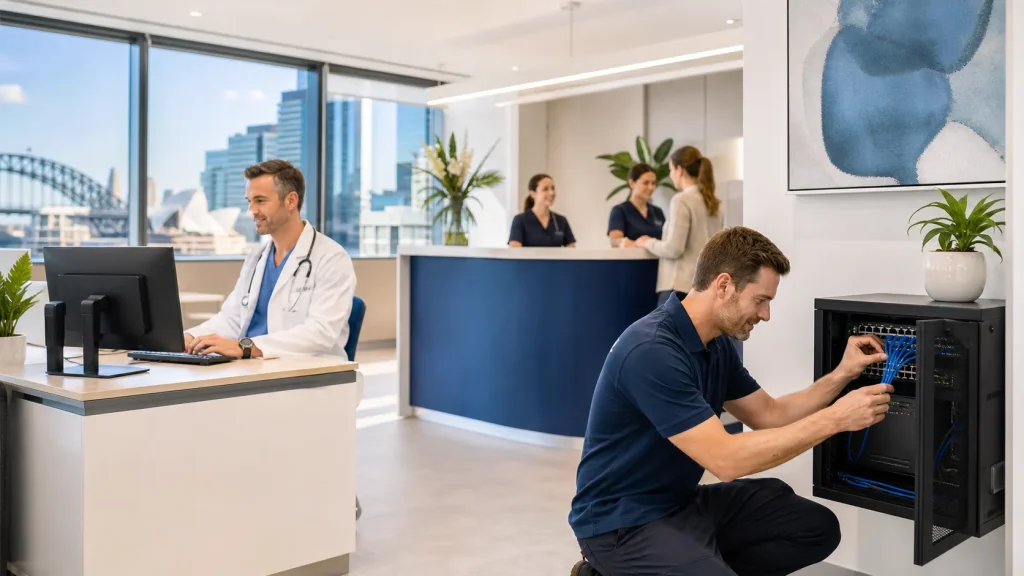
Managing IT Support for Sydney Medical Practices Without Disruption
Reliable IT is now part of everyday clinical work in Sydney. Bookings, recalls, results, telehealth and Medicare claims all depend on your systems staying up. When IT support needs to change, practice owners and managers often worry about one thing above all else: will this interrupt patient care?
We work with medical practices that cannot afford crashed appointment books, frozen clinical software or phones that drop out in the middle of a consult. In this article, we walk through how to manage IT support for medical practices in Sydney so you can improve your systems without putting patient care, compliance or revenue at risk.
What "No Disruption" Really Means in a Clinic
When people say they want “no disruption”, they usually mean something very specific. For a medical practice, it is not about never having a short restart or an update. It is about making sure the core clinical work can continue safely and on time.
In simple terms, “no disruption” means clinical software stays online so doctors and nurses can access records, and your phones, VoIP phone systems and telehealth calls work reliably when patients ring in. It also means staff can log in without long delays or repeated lockouts, results from pathology and radiology arrive as expected, and Medicare, DVA and health fund claiming continues to move each day.
The systems that matter most typically include:
- Practice management software like Best Practice or MedicalDirector
- Medicare and health fund claiming tools
- Pathology and radiology interfaces
- Secure messaging platforms and ePrescribing
- Email, printers and shared folders
- VoIP phone systems and headsets (phones that run over your internet connection)
Some short, planned downtime can be acceptable, but only when it is scheduled outside consulting hours where possible, communicated clearly in advance, and backed by a tested plan to bring everything up again.
What is not acceptable is surprise outages that delay consults, block access to clinical notes or stop claims from going through. Those issues can affect patient safety, create stress for clinicians and staff, and lead to lost billings and overtime. Working with IT support that understands how a waiting room runs and how results flow through the day keeps these risks low.
Planning IT Changes Around Clinical Workflows
Safe change in a medical practice starts with discovery. Before IT support changes hands, we take time to map the key systems and where they run (on-site or in the cloud), the different user roles across the practice, your daily and weekly busy periods, and the links between tools such as pathology feeds and secure messaging. This step highlights where a single change could have a big impact. For example, a minor network change at 8:45am Monday can feel very large when the phones are ringing and the waiting room is already full.
We plan around clinic rhythms by:
- Avoiding upgrades during peak flu clinics or seasonal surges
- Steering clear of Monday mornings and late afternoons where possible
- Keeping away from known high-volume billing times
Instead of moving everything at once, we prefer staged transitions. In practice, this can mean moving email first, then phones, then clinical system support. It can also mean testing remote access changes with a small group before rolling out more widely, and keeping the old setup available for a short time as a fallback. A clear transition plan is then shared with practice management so everyone knows what is changing, when it is changing, and how issues will be handled if they arise.
A clear transition plan is shared with practice management. It sets out:
- Who is responsible for what
- How to report any issues and who to call first
- What will change, when it will change and what the backup plan is
When everyone can see the steps, practice owners and clinicians feel more in control. The work becomes a planned project instead of an unplanned IT problem.
What Reliable IT Support Looks Like for Sydney Practices
Reliable IT support for medical practices in Sydney is less about big promises and more about consistent, steady help. Day to day, it means issues are noticed early, clinical-impacting problems are handled quickly, and your support provider understands common medical software and the realities of clinic workflows. It also means communication stays clear and in plain language, so staff can act on advice without confusion.
Reliable IT support typically includes:
- Proactive monitoring to spot issues early
- Fast response when clinical systems are affected
- Familiarity with common medical software and workflows
- Clear communication in plain language
Most issues can be fixed remotely, which helps keep things moving quickly. When there is a problem with hardware, cabling or network equipment, it is important to have someone who can attend your practice in person and work with your team on site.
Healthcare also has specific requirements around cybersecurity and privacy. Support should include:
- Protecting patient data from unauthorised access
- Respecting RACGP expectations around information security
- Supporting secure messaging and safe sharing of clinical information
Managed IT services can also smooth out costs and reduce surprises by providing predictable monthly support, maintaining documentation of your systems and settings, and reviewing your environment regularly rather than only reacting to failures.
Managed IT services can help smooth out costs and reduce surprises by:
- Providing predictable monthly support
- Keeping documentation of your systems and settings
- Reviewing your environment regularly instead of only reacting to failures
As an Australian-owned provider that supports medical environments, we explain issues in simple terms and link technical decisions to their impact on bookings, consults and claims.
Minimising Downtime During Upgrades and Migrations
Upgrades are not optional in a clinic environment. Security patches, clinical software updates and operating system changes are all part of keeping data safe and systems supported. The key is to handle these in a way that keeps downtime low and controlled, so the clinic can continue to operate reliably.
We usually prioritise:
- Security updates that protect patient and business data
- Clinical software updates that support new features or Medicare changes
- Operating system and server upgrades that keep performance steady
For larger changes, we rely on maintenance windows. That means scheduling higher-impact work at times that minimise disruption, and ensuring there is a clear rollback path if something unexpected occurs.
For larger changes, we rely on maintenance windows. That means planning:
- Server migrations after-hours or on weekends
- Internet cutovers at quiet times, with a clear rollback path
- VoIP rollouts in stages, with testing on a small group first
Redundancy also plays a big part in staying online. Where possible, we look at:
- Backup internet options, such as a 4G or 5G mobile data failover
- Cloud-based email that continues working if one PC fails
- Secure offsite backups so data can be recovered if there is a major fault
For hardware refreshes, swapping one device at a time during consulting hours is rarely a good idea because it creates repeated interruptions across the day. Instead, we plan a controlled rollout that reduces the number of “moving parts” staff experience during clinic hours, while still ensuring devices are ready to use and tested.
Instead, we plan:
- Replacing PCs and servers in batches, but not all at once
- Preparing and imaging (pre-configuring) new devices before they arrive on desks
- Swapping devices outside consulting hours and testing logins in advance
Clear communication around each change keeps the first day after an upgrade calm. Staff should know what is changing, when it is happening, how to log issues, and whether there are any new steps they need to follow.
Clear communication around each change keeps the first day after an upgrade calm. Staff should know:
- What is changing and when
- How to log issues and what information to provide
- Any new steps they need to follow
Training, Support and Calm Problem Solving for Clinic Teams
Even the best technical plan will fail if staff are unsure what to do. Simple, targeted training helps reception, nursing and clinical staff adjust when systems or workflows change. In many clinics, short sessions and quick reference guides are more effective than long workshops because they fit around consults and reduce disruption.
Short sessions and quick reference guides work well for:
- New logon processes and password tools
- Changes to claiming or batching steps
- New softphones or headsets for VoIP (phone software that runs on a computer)
We promote a no-blame support culture. Staff should feel comfortable raising issues early, even if they are not sure whether the problem is only affecting them or something larger. When support responds calmly and professionally, it builds trust and keeps small glitches from growing into outages.
A single point of contact also makes a big difference because it reduces confusion during time-sensitive problems. It gives staff confidence that they are reporting issues the right way and that urgent clinical problems will be escalated quickly.
A single point of contact also makes a big difference. This usually includes:
- A dedicated helpdesk phone number
- A support email address that is monitored
- Clear escalation paths for urgent clinical issues, such as loss of access to records
Regular reviews with practice leadership help keep IT aligned with clinical goals. These check-ins ensure recurring issues are addressed, upcoming changes are planned early, and the practice stays ahead of security, backup and capacity needs rather than reacting under pressure.
During these conversations, we look at:
- Repeating issues in support tickets
- Planned changes such as telehealth expansions or new sites
- Security, backup and capacity needs for the next period
When IT is stable and well supported, staff spend less time wrestling with printers and passwords and more time focusing on patients and practice growth.
Next Steps to Stabilise and Improve Your Practice IT
If your practice feels close to a serious IT problem when a glitch occurs, the next step is not a quick fix. It is a structured look at where you are now and what matters most to your clinic. This creates a clear baseline, helps prioritise the highest-risk areas first, and supports a transition plan that protects patient care and revenue.
A practical starting point usually includes:
- A current-state review of your IT environment
- A look at risk and compliance around data and access
- A discussion of clinical priorities, such as telehealth, new services or extra locations
It also helps to involve key stakeholders early. Practice owners, practice managers and at least one clinician all see different parts of the workflow. Their input shapes an IT support model that supports both care delivery and business needs.
At Simplicity I.T., we support medical practices around Australia with managed IT services, cybersecurity, cloud, backup, VoIP and web services. For Sydney clinics, our focus is on calm, low-disruption transitions, clear documentation and proactive support that keeps your systems steady in the background while your team looks after patients at the front.
To explore how this approach could work for your clinic, speak with our team to arrange a structured review of your current IT environment and priorities.
Get Started With Reliable IT Support For Your Practice Today
If you are ready to reduce downtime and keep your clinical systems running smoothly, our team at Simplicity I.T. is here to help. Explore our specialised IT support for medical practices in Sydney to see how we can fit in with your workflows and compliance requirements. We will work with your practice to design practical solutions that protect patient data, streamline daily tasks and support your staff. Have a question or want to book a chat about your needs? Simply contact us and we will get back to you promptly.