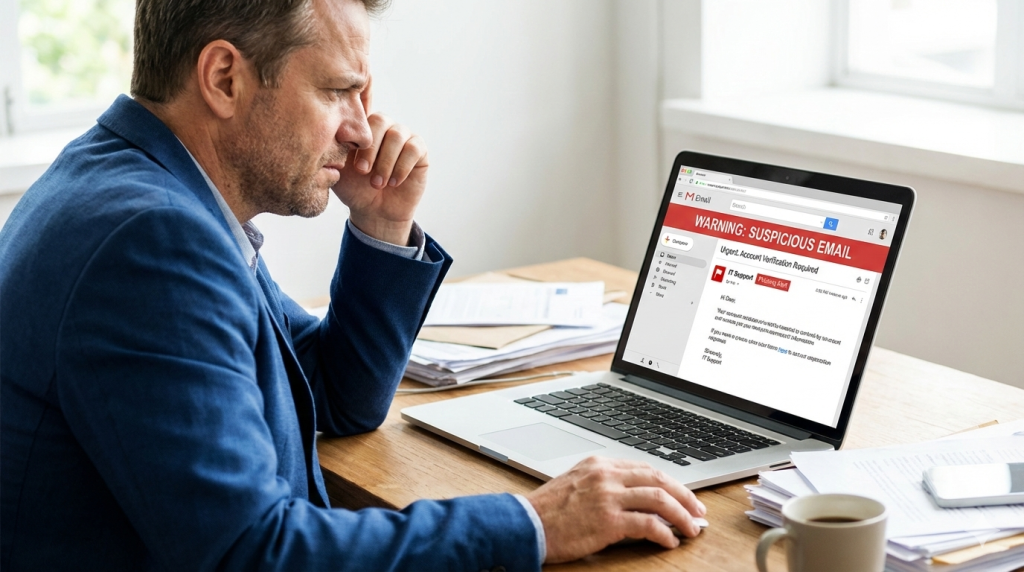
Have you ever received an email that looked legit… but something just felt off? Maybe it was a fake invoice, a message pretending to be your bank, or a “client” sending you a weird-looking attachment.
That’s phishing — and it’s one of the biggest cyber threats facing Australian SMEs today.
The scary part? It only takes one click from one staff member to open the door.
Quick Guide: How to Stop Phishing Emails from Hurting Your Business
- Train staff to spot red flags
- Use advanced email filtering tools
- Implement multi-factor authentication (MFA)
- Back up emails and critical data offsite
- Review access and password hygiene regularly
These small steps can prevent big problems.
“We’re Too Small to Be a Target” — Think Again
Cybercriminals don’t just target big corporations. In fact, small businesses are often easier to breach — because they’re under-protected.
We’ve seen:
- Fake invoices sent to accounting teams
- CEO impersonation scams asking for urgent payments
- Dropbox links carrying hidden malware
All sent to unsuspecting Aussie SMEs.
The Psychology of a Phishing Attack
These emails work because they look real. They often:
- Use logos and formatting that mimic trusted brands
- Create a sense of urgency (“Your account will be closed in 24 hours!”)
- Prey on fear or authority (“Payment overdue — click here!”)
It’s social engineering — and it’s surprisingly effective.
What Protection Really Looks Like
At Simplicity I.T., we help small businesses:
- Implement email security filters that catch suspicious content before it reaches you
- Set up multi-layered protections like MFA and safe links
- Run phishing simulations to test and train your team
- Ensure critical data is backed up offsite, in case of compromise
It’s not about paranoia — it’s about preparation.
How to Tell If You’re at Risk
Ask yourself:
- Are staff trained to spot phishing attempts?
- Do we have email filters or are we relying on Gmail/Outlook defaults?
- Do we use MFA for email accounts?
- What’s our plan if someone accidentally clicks something dangerous?
If you’re not confident on any of these — now’s the time to act.
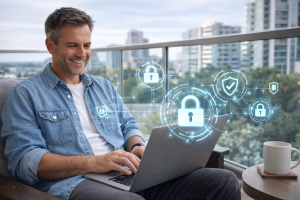
Peace of Mind Starts in the Inbox
You can’t stop every scam from landing in your inbox — but you can stop them from landing with impact.
Let us help you lock down the most common entry point for cybercriminals.
Book a free phishing risk assessment with Simplicity I.T. and get clear on where your defences stand — and how to strengthen them fast.