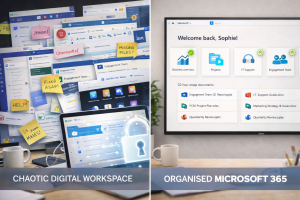
Most Aussie SMEs have Microsoft 365 — but very few are using it to its full potential.
Sound familiar? You’ve got email, maybe Teams, maybe the odd SharePoint folder… but beyond that, it’s a bit of a mystery.
The truth is, Microsoft 365 can be a powerful tool for productivity, collaboration, and even cybersecurity — if it’s set up and supported properly. Let’s break down what you really need to know.
🧠 Quick Win Box: What’s Included in Microsoft 365 for Business?
- Outlook: Email, calendar, tasks
- Word, Excel, PowerPoint: Cloud and desktop versions
- Teams: Chat, meetings, video, file sharing
- OneDrive: Personal cloud file storage (1TB per user)
- SharePoint: Team-based document collaboration
- Exchange: Email server & security policies
- Microsoft Defender: Built-in threat protection (business plans)
That’s a lot of power — but without guidance, it’s easy to underutilise or misconfigure.
Common Traps We See (and Fix All the Time)
- Using OneDrive instead of SharePoint for team files
- No MFA (Multi-Factor Authentication) enabled
- Unsecured guest access to Teams or folders
- Data stored in personal Outlook accounts
- No backups or archive policies in place
These mistakes are simple — but risky. And they’re totally avoidable.
Why SMEs Choose Microsoft 365 (and Why It’s a Smart Move)
- Familiar tools your team already knows
- Accessible from anywhere, on any device
- Built-in compliance features for industries like finance, law, healthcare
- Scales easily as you grow
- Centralises communication, storage, and collaboration
It’s like a digital office that travels with you — securely.
5 Smart Ways to Get More from Microsoft 36
- Automate Repetitive Tasks with Power Automate
Set up workflows like email alerts, approvals, or form submissions — no coding needed. - Use Microsoft Teams as Your Virtual HQ
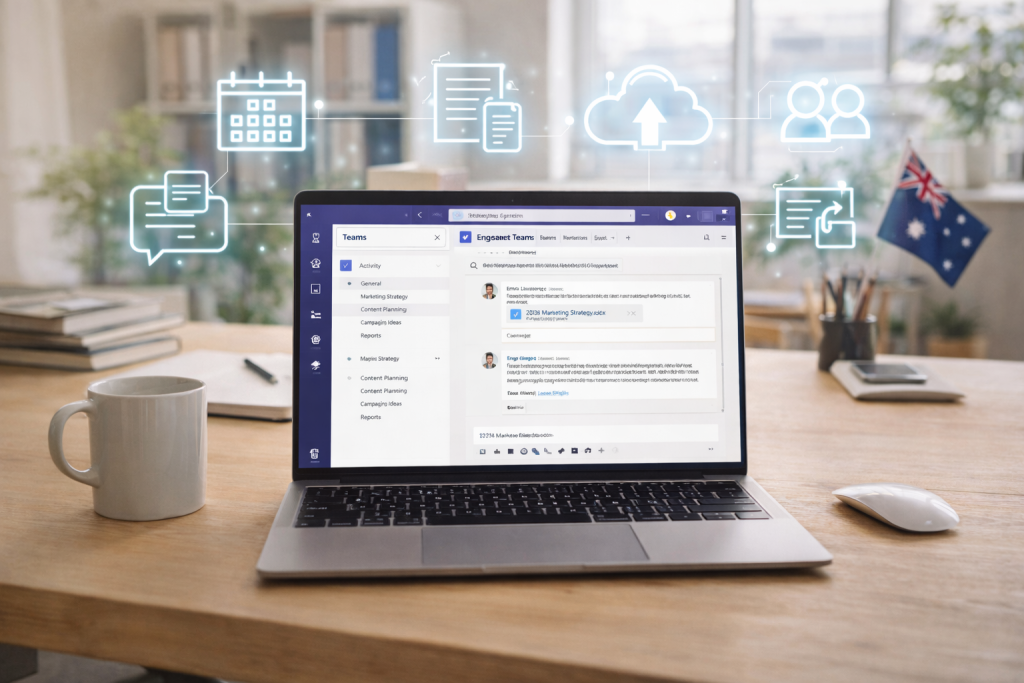
Stop the endless email chains and manage projects, files, and meetings in one place. - Secure Devices with Intune
Manage laptops and mobiles remotely — ideal for hybrid teams or BYOD setups. - Simplify File Management with SharePoint
Create department folders, control access, and avoid email attachments chaos. - Use Bookings for Appointments
Automate scheduling for client meetings, consults, or internal team sessions.
“We Have 365… But It’s a Bit of a Mess” — You’re Not Alone
We hear this all the time. Most SMEs don’t have time to explore all the settings, tools, and admin portals that come with 365. That’s why we:
- Audit your environment to clean up and secure access
- Train your team on what’s useful (and ignore what’s not)
- Set up file structures, backups, and permissions the right way
You don’t need to become a Microsoft partner — you just need a trusted one.
What We See When It’s Done Right
- Fewer support tickets and tech headaches
- Happier, more productive remote and hybrid teams
- Faster access to info and fewer duplicated files
- Increased security with MFA and device control
- Managers feeling in control, not overwhelmed
This is what Microsoft 365 was designed for — but rarely achieved without help.
Let’s Turn “We Have It” Into “We Use It Well”
If you’ve already got Microsoft 365, you’re halfway there.
Let us help you make the most of it — without turning it into another I.T. project you don’t have time for.
Book a free 365 setup review with Simplicity I.T. and we’ll show you where you’re winning, where you’re exposed, and how to get more value immediately.