
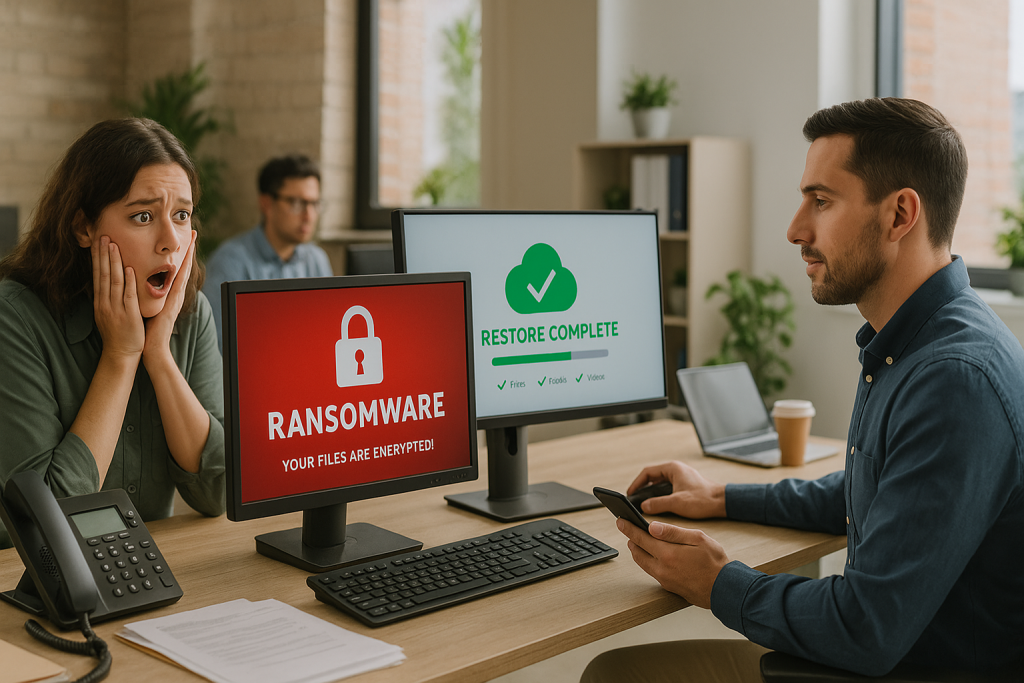
If you’re like most business owners, you probably assume your data is backed up.
After all, you’ve got Dropbox, Google Drive, or some kind of server in the back office, right?
But here’s the uncomfortable truth: most small businesses only find out their backup doesn’t work after it’s too late.
And by then, the damage is already done.
Let’s unpack why so many backup systems fail — and how to make sure your business isn’t next.
The Illusion of “Being Backed Up”
Many businesses think they’re covered because: – They save files to a cloud storage folder – Their server runs daily backups (or so they’re told) – A staff member manually backs up data to a USB once a week
But these setups often miss key requirements: – No version control or rollback — what if you need a file from 3 weeks ago? – No offsite protection — what happens if there’s a fire or flood? – No automated testing — are you sure the backups actually work? – Only partial coverage — what about emails, app data, or databases?
A backup that fails when you need it is worse than no backup at all.
What Can Go Wrong (And Often Does)
Ransomware
Malware can encrypt your local and connected drives — including your backups if they’re not isolated.
Human Error
Someone accidentally deletes a folder, overwrites a key file, or resets a system — and there’s no easy way to restore it.
Hardware Failure
Hard drives and servers wear out. Without redundant backups, data loss is almost guaranteed.
Natural Disasters
Flood, fire, or theft can wipe out everything if your backup is stored onsite.
💾 Expert Tip: What a Proper Backup Looks Like
A solid business backup solution includes: – Automatic, scheduled backups (not manual) – Offsite or cloud-based storage – Multiple restore points (versioning) – Regular testing to confirm data can be recovered – Coverage for all critical systems — not just files
What’s the Real Cost of Failed Backups?
Data loss doesn’t just mean a few missing files. It can lead to: – Days or weeks of lost productivity – Breaches of client trust and privacy – Compliance issues (especially with sensitive data) – Permanent loss of financial or legal records – Thousands in emergency recovery fees
Most small businesses that suffer major data loss never fully recover.
Why Managed Backup Makes Sense
At Simplicity I.T., we help Australian SMEs protect their most valuable asset — their data.
Our backup and disaster recovery solutions include: – Fully managed cloud backups – End-to-end encryption and ransomware protection – Rapid restore options (get back up and running fast) – Continuous monitoring and regular testing
We don’t just set it and forget it — we make sure it works when you need it.
Not Sure If You’re Really Backed Up?
We offer a free backup check for businesses unsure about their current setup. We’ll show you: – What’s covered (and what’s not) – How long it would take to recover from failure – What you can do today to reduce risk
👉 Book your free strategy session here
Or explore our Backup & Disaster Recovery services
You don’t get a second chance to protect your data. Let’s make sure your business is backed up — properly.